Start with what you have
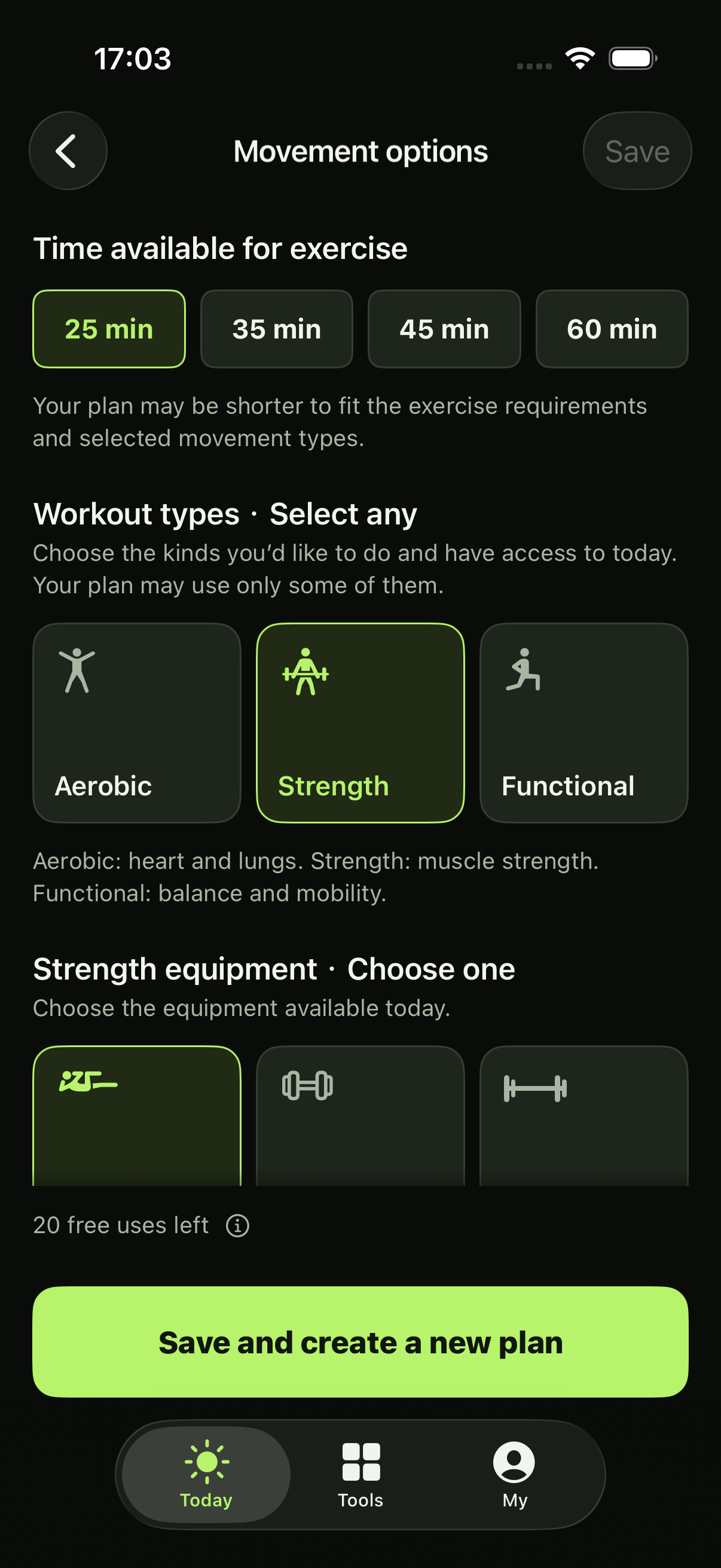
Choose your time, training types and equipment. You can update them when your day changes.

START WITH TODAY
You can be someone who keeps caring for yourself—even while you’re finding your rhythm, or returning after time away.
Our long view is healthspan: more years able to take part in the things you love. Start with movement that has a place in your life today.
FROM A PLAN TO MOVEMENT
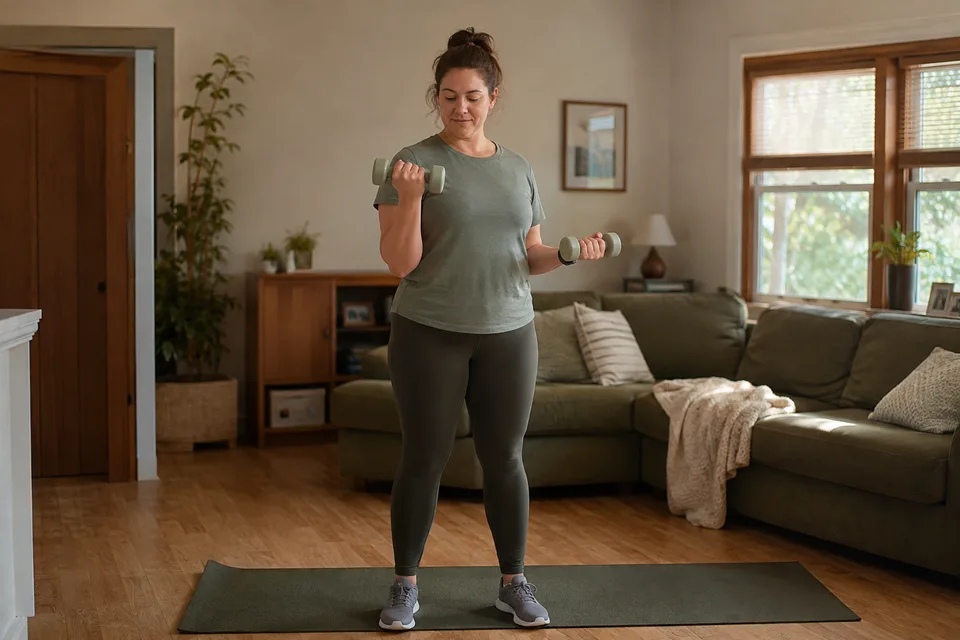
Choose what fits today. Review your plan, open the action guides and exercise at your own pace. Your iPhone is enough to follow along.
START WITH TODAY’S CONDITIONS
Today, you have up to 25 minutes and space for bodyweight exercise at home.
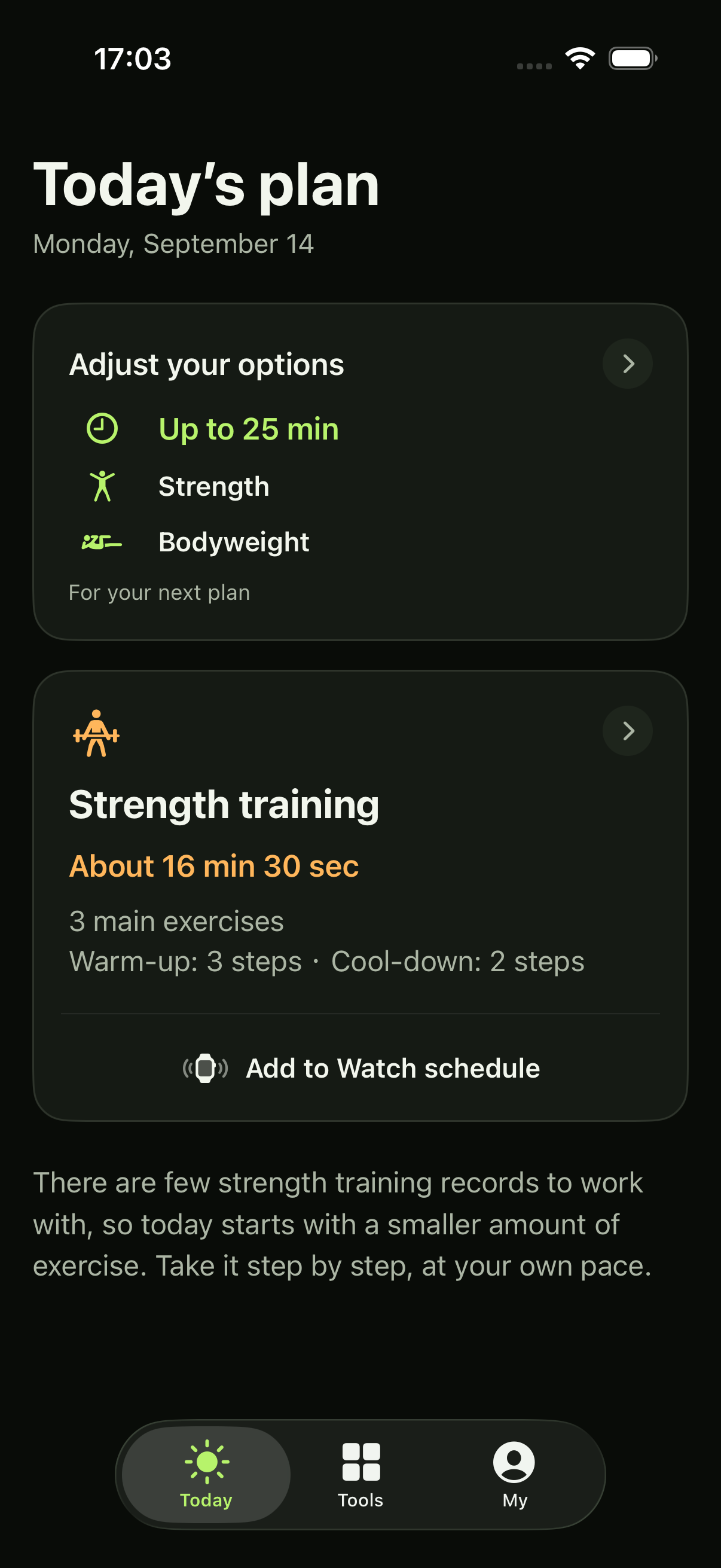
This example takes about 16½ minutes, including warm-up, main work and cooldown. Preparation and rests count too—the plan does not need to fill every minute.
The explanation below the plan helps you understand the starting point. In this example, there are few strength-training records, so today starts with a smaller amount of exercise.
Walk through your first plan ↗Choose your time, training types and equipment. You can update them when your day changes.
See the full sequence, with the duration or sets and repetitions for your plan.
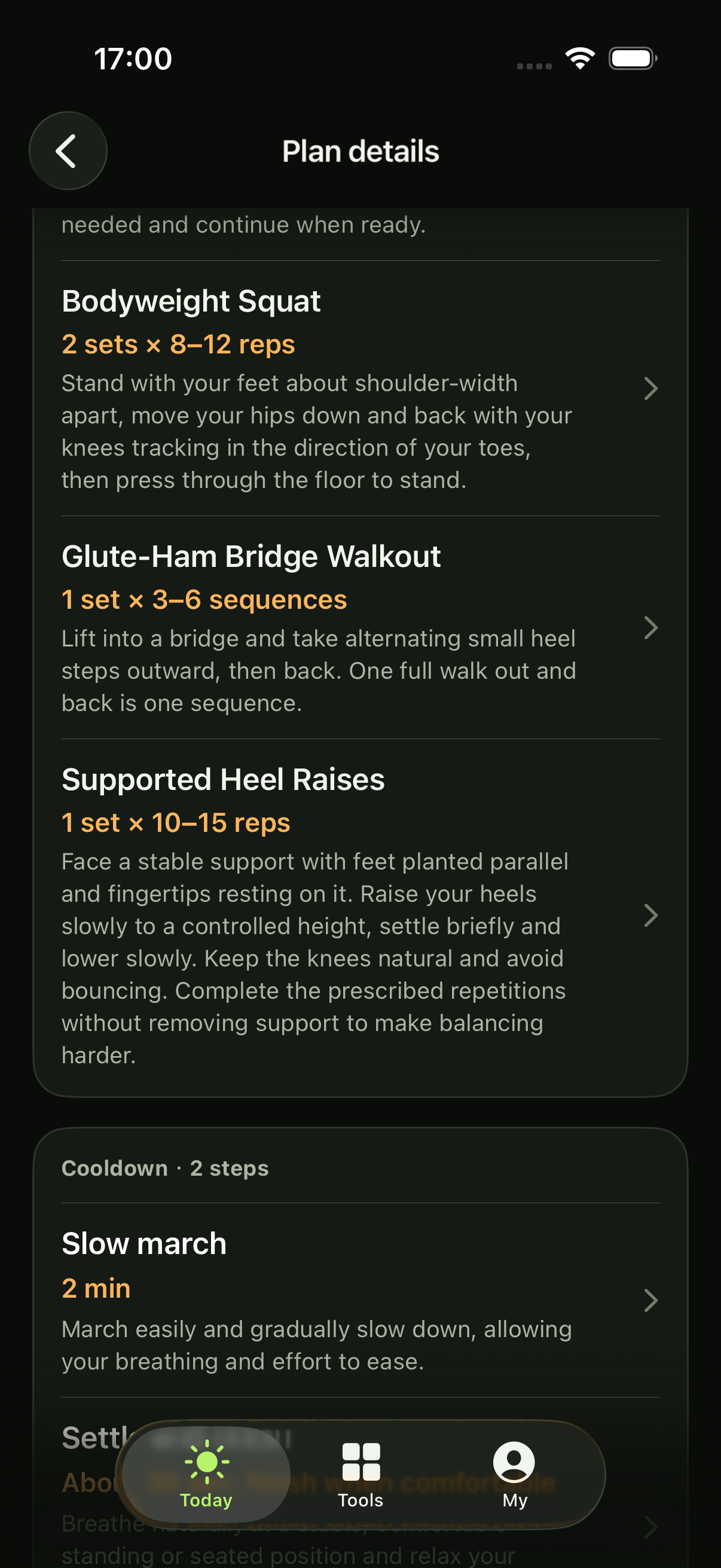
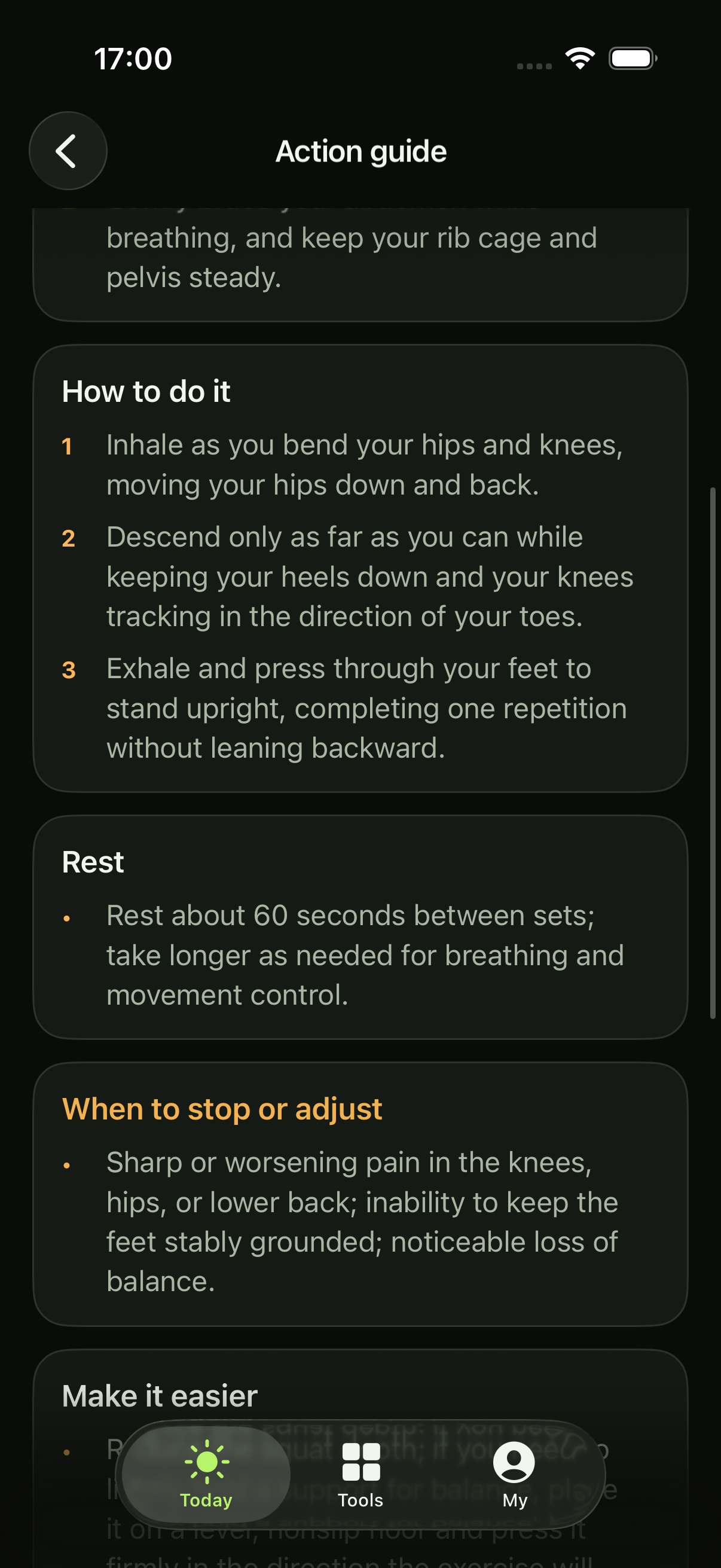
Read how to start, move and finish, with relevant ways to adjust and signs to stop.
TRAINING OPTIONSWalking · Running · Cycling · Strength · Functional movement
Walk through your first plan ↗IF YOU USE APPLE WATCH
Add a supported workout to your Watch schedule, then check your Watch before starting. You can also follow the guidance on iPhone without a Watch.
About using Watch ↗SMALL EVERYDAY PAUSES
Use the meditation timer or sitting timer in Tools. Both work offline, without a subscription, Health access or a plan allowance.
Explore the free tools ↗TRY IT AT YOUR PACE
Find out how a plan fits your day. Your free plans won’t start billing automatically, and there’s no daily or monthly reset.
How free plans work ↗Monthly or annual. The same plan access.
US$9.99/ month
US$69.99/ year
About US$5.83/month · Paid yearly
U.S. pricing reference. Annual savings are about 42% compared with 12 monthly payments at U.S. prices. Your local price is shown in the App.
Subscriptions renew automatically unless canceled. Check Apple’s displayed price, taxes and terms before purchase.
Billing & cancellation ↗YOUR INFORMATION, YOUR CHOICES
Your iPhone creates your plan and its explanation. Your raw health records and complete plans stay on your device.
How your information is used ↗Apple Health access and the online plan service are separate choices. New plans need an internet connection; saved compatible plans and guides can be used offline.
The service verifies access, purchases and plan usage. No AI provider receives your training information. Manage service access or delete your account in My.
Training Compass is a general fitness tool, not medical care. Long-term health is our purpose, not a guaranteed result.
Yes. Training Compass is for people building an exercise habit, including those finding their rhythm or returning after a break. It is for ages 16 and over who can exercise independently, rather than specialist coaching for a competition or medical rehabilitation.
No. You can read your plan and follow the action guides on an iPhone with iOS 26 or later. Apple Watch is optional for supported scheduled workouts. You still need suitable space and the equipment selected in your conditions.
Local tools remain available, as do strength or functional plans when their requirements are met. Aerobic plans need enough heart-rate information. If that is missing and you have only allowed aerobic training, the App asks you to check data and permissions or change training types. A missing birthday must also be confirmed.
Walking, running, cycling, strength and applicable functional exercises such as joint mobility. A plan may include one main aerobic or strength workout, with functional work when appropriate. It can also recommend rest. Swimming plans are not currently available.
The App considers your recent records and the training that fits your conditions. Sometimes rest is the result. A rest plan counts as one free plan; a subscription does not guarantee training every day. Missing required information is a separate problem, not a rest recommendation.
No. The allowance does not start a subscription and does not reset daily or monthly. You choose whether to subscribe. Successfully delivered training and rest plans count; failed attempts do not. Generating another plan can use another free plan.
Yes. Training Compass is now available on the US App Store. The download link opens the US store; availability in other regions may differ. The App supports English and Simplified Chinese.
STARTING COUNTS. RETURNING DOES, TOO.